Solo
$39 / user / month
One user. For one designer building the drawing and equipment library.
- System drawings and port-accurate connections
- Your equipment library
- Live BOM and exports
Place devices, define ports, and run cables. A bad load or two amps on one speaker shows up on the page before the shop builds it. Built for commercial AV, structured cabling, security, and networks.
How it works
Place the gear you specify, run orthogonal paths pin to pin, and keep the library next to the drawing. Scroll the workspace film, then try it in the sandbox below.
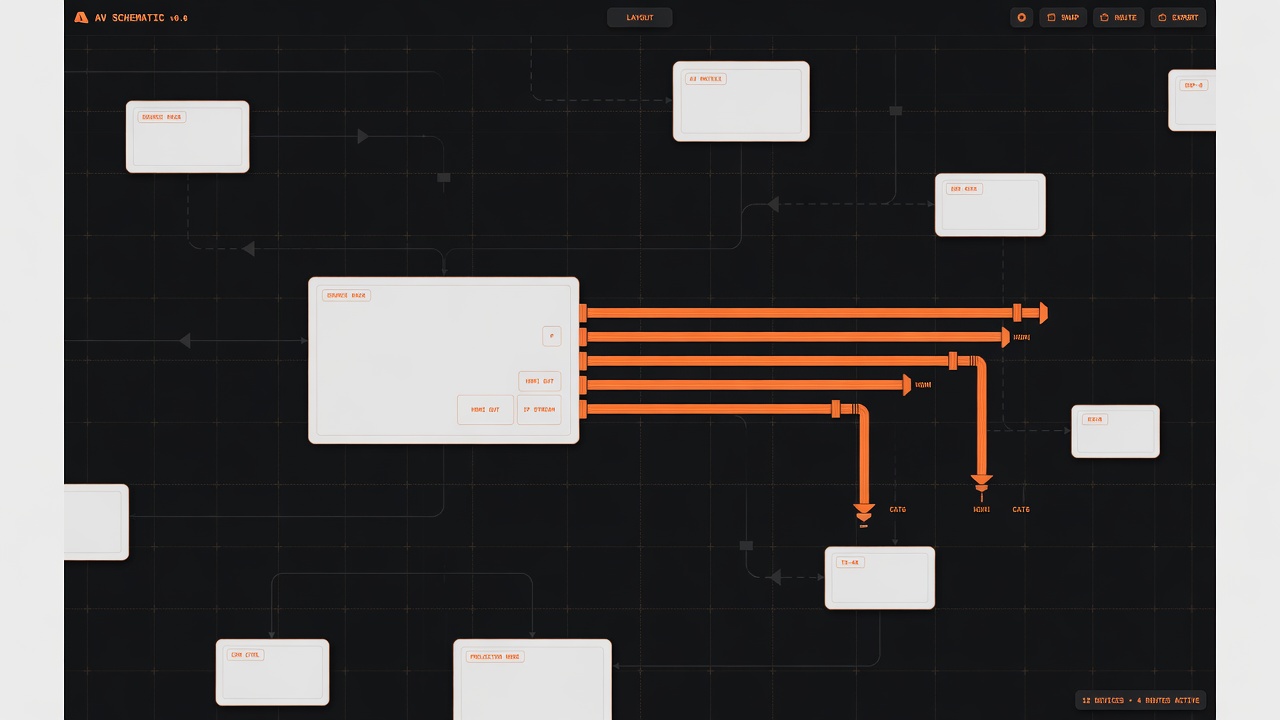
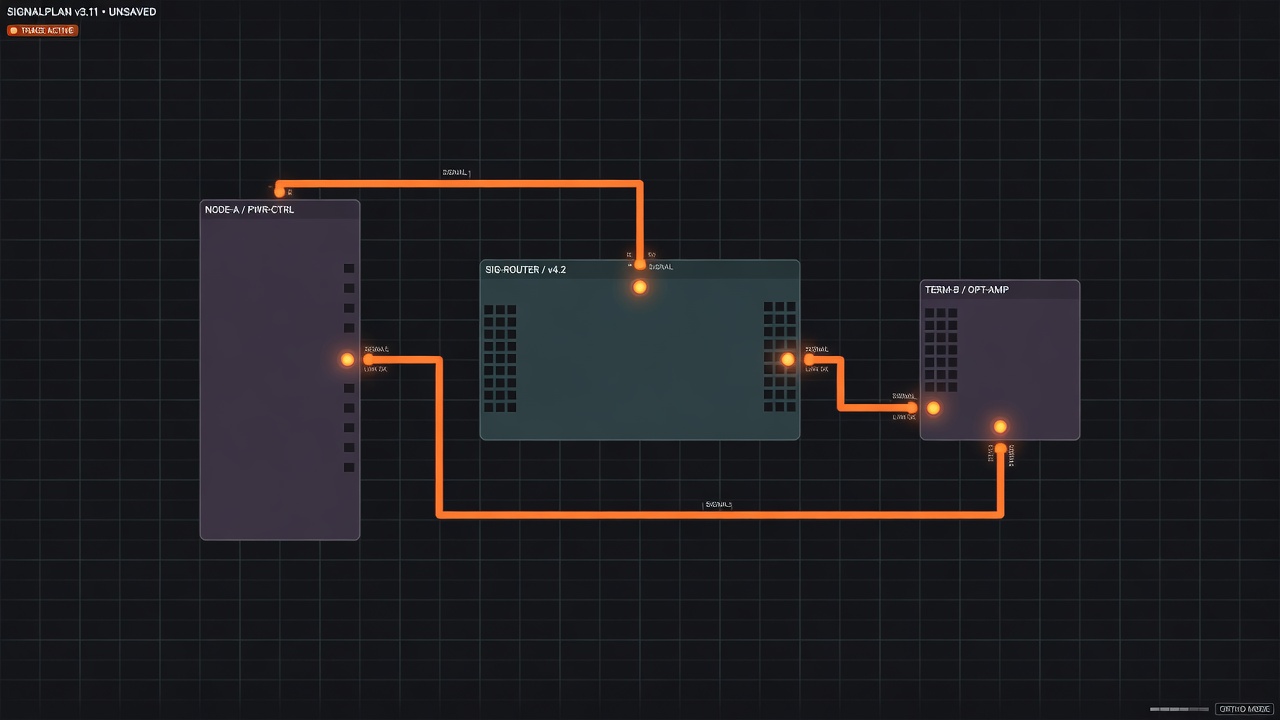
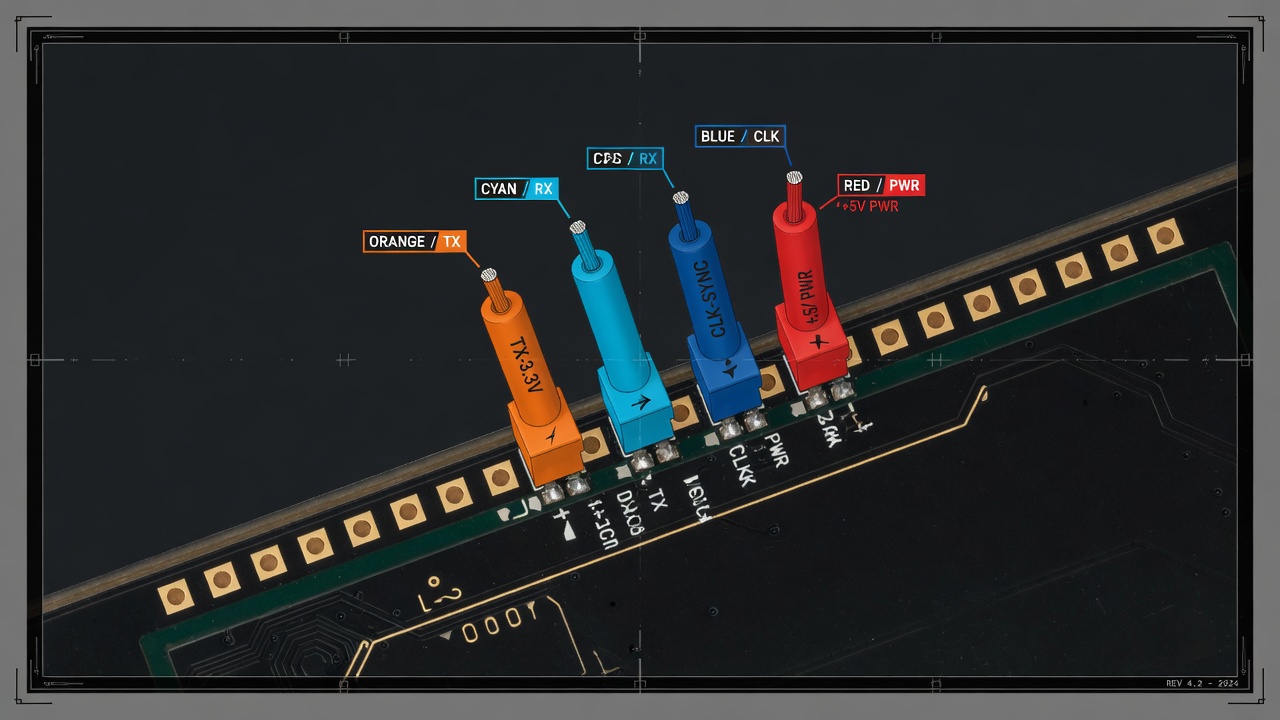
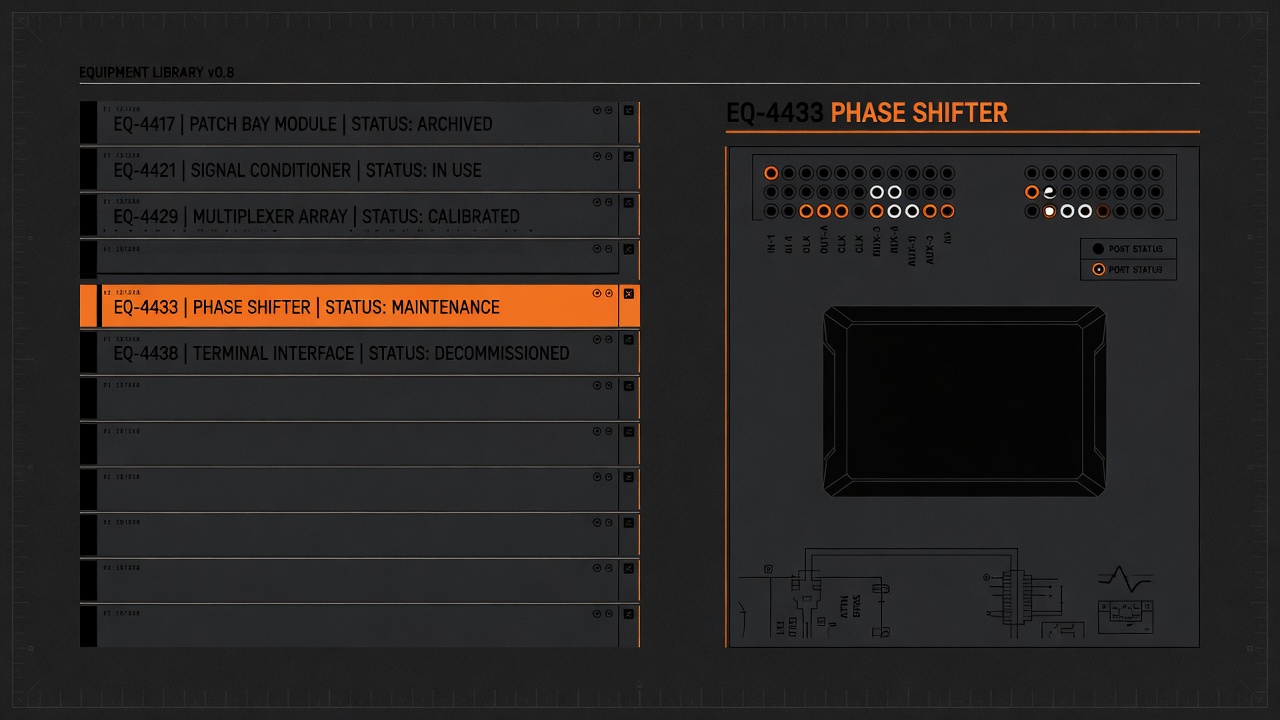
Drop catalog gear onto the page. Devices snap to the grid and keep the ports they were built with.
Who it's for
One drawing language for the trades that share a rack, a room, or a stage. Start with the catalog you already specify, then add the rest of the shop.
DSPs, amps, displays, and the control that ties a room together.
Q-SYS, Crestron, Extron
Switches, access points, and the gear hanging off the LAN.
Cisco, Ubiquiti, Aruba
Cameras, readers, and controllers as one drawing the crew can follow.
Axis, HID, Genetec
Consoles, PA, and the stage plot from FOH to the last hang.
Yamaha, L-Acoustics, DiGiCo
Leave an email, then try a branded schematic with a handful of devices. A second amp on the speaker is refused. Rack, live BOM, and your library stay in the full workspace.
Plans
Solo gives one designer the full drawing workflow at $39 per user per month. Team adds shared work at $59 per user per month. Business is planned at $89 per user per month for companies that need SSO, API access, and advanced controls.
$39 / user / month
One user. For one designer building the drawing and equipment library.
$59 / user / month
Pay per user. For a shop sharing jobs, drawings, and equipment.
Planned · Not yet available
$89 / user / month
Pay per user. For larger AV teams that need company-wide controls.
FAQ
AV and low-voltage engineers, system designers, and integrators who need to document devices and signal connections. It supports schematic workflows for AV install, network engineering, security and access control, and live entertainment.
The workspace runs in the browser. You do not need a desktop CAD installation to create projects, place devices, or connect ports. An internet connection is required to sign in and save your work.
Yes. Your organization can create catalog devices and define their ports. Use the custom device editor to match the equipment you specify, then reuse those devices across drawings.
SignalPlan is for system schematics and signal-flow diagrams. It does not edit DWG files, draw architectural floor plans, integrate with Revit, or auto-route cable from a scaled plan. Cable lengths are entered by hand.
Solo is $39 per user per month. Team is $59 per user per month, with no included-seat bundle. Business is planned at $89 per user per month and is not available for checkout yet. Billing is on the organization, inside the workspace after you sign up.
The workspace has system drawings, equipment catalogs, and a live drawing-derived BOM. Real-time multiuser editing is rolling out on Team. Customer quotes are on the roadmap and are not sold as a current feature.
Yes. The homepage sandbox asks for an email, then lets you place a handful of devices and run cables with no account. It is a branded schematic, not the full workspace: nothing is saved, Rack and live BOM stay behind an account, and the catalog is a small starter set. Sign up for your own equipment library and job drawings.